

Short answer: look for a maker that re-films the viral "Outstanding" video with your faces, keeps the song and lets your friends take the band's seats. Tiny Desk AI (this is ours) does exactly that: one photo for the lead singer and up to four more for the keyboard, sax and backup singers in, the 15-second 9:16 desk concert out, with the original "Outstanding" sound plus a second no-music file from the same render, no watermark, ready in about 5 minutes, $9.99 in 480p or $14.99 in 720p HD. Dedicated makers such as OutstandingTinyDeskAI.com, tinydeskai.net and CopyThatVideo, the Summrs app and template sites such as MakeViral make similar band videos. Most of their pages don't say whether the download is watermark-free, and we found no mention of a no-music file on any of them.
What's new on this page
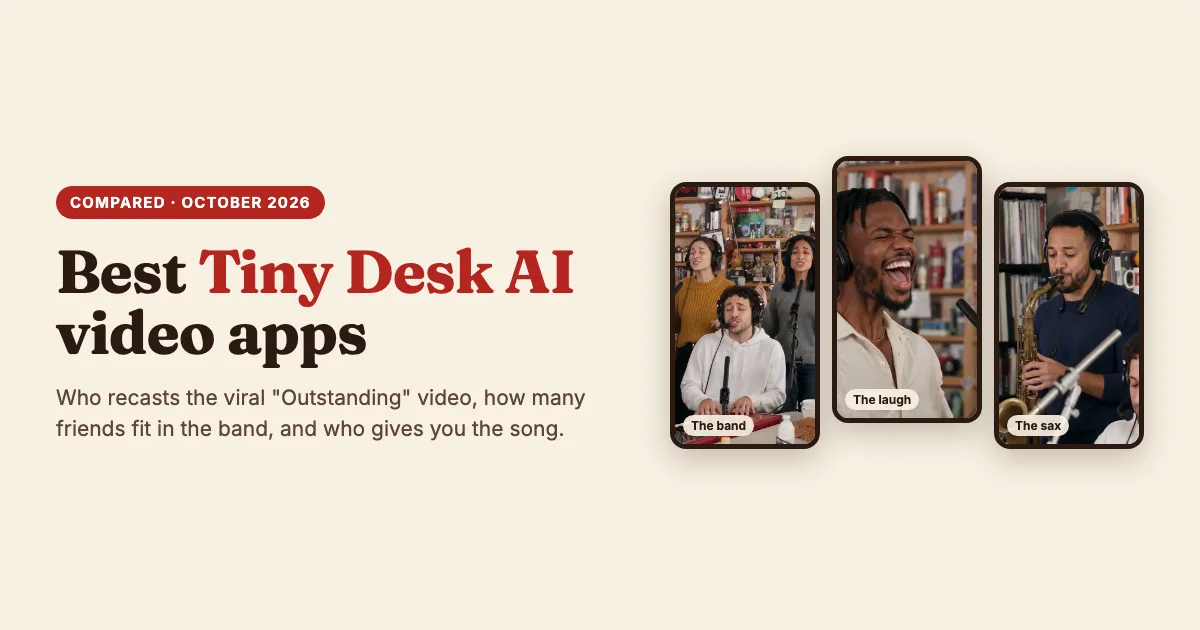
- 26 October 2026 (later): Tiny Desk AI now re-films 15 seconds of the viral 19-second video itself (the band in headphones singing the opening line, the laugh and wave, the sax solo), and the frames above are from the new version.
- 26 October 2026: first version. Every tool's own page was checked on this date.
Two kinds of Tiny Desk AI tool
Recasts of the viral video re-film the 19-second AI version that started the trend (Charlie Wilson's 2023 Tiny Desk "Outstanding", recast with football coaches in headsets) with new faces in the seats, and keep its sound. New-scene templates generate a fresh desk concert in the same spirit, often with their own backing track, so you add the trend sound inside TikTok. Ours is a recast. Neither is wrong; they make different things.
The tools side by side
What each tool's own page said on 26 October 2026. "Not stated" means the page didn't say.
| Tool | Kind | Photos | Original "Outstanding" sound | No-music file too | Watermark-free | Ready in |
|---|---|---|---|---|---|---|
| Tiny Desk AI (us) | Recast of the viral video | 1 for the lead, up to 4 more for the band | Yes | Yes, from the same render | Yes, always | About 5 minutes |
| OutstandingTinyDeskAI.com | Dedicated maker | 1 for the lead, up to 4 more | Yes | Not stated | Not stated | 5 to 10 minutes |
| tinydeskai.net | Dedicated maker | 1 (solo) or 5 (band) | With sound, track not named | Not stated | Not stated | Not stated |
| CopyThatVideo | Parody video maker | One group photo, or one photo per seat | Not stated | Not stated | Not stated | Not stated |
| Summrs | App template | 5, all required | Yes | Not stated | Not stated | Not stated |
| MakeViral | New-scene template | 1 to 3; AI plays the other seats | No: its own funk groove, add the sound in TikTok | Not stated | Yes | Not stated |
Each one in a sentence or two
- Tiny Desk AI (ours): 15 seconds of the viral "Outstanding" video re-filmed with your photo on lead and up to four friends in the band, with the original sound plus a no-music file. Make one here. Not for: the full 19-second cut or a different song, because we film one fixed 15-second stretch.
- OutstandingTinyDeskAI.com: a dedicated maker with a lead seat, up to four bandmates and a choice of video models. Not for: getting a no-music file from the same render, which its page doesn't mention.
- tinydeskai.net: a dedicated maker with a one-photo solo mode and a five-photo band mode. Not for: a band of two to four friends, since its page names only those two modes.
- CopyThatVideo: a parody video maker that takes one group photo or a photo per seat. Not for: knowing the length and the sound before you start, which its page doesn't spell out.
- Summrs: an app template where all five photos are required. Not for: a video of just you.
- MakeViral: a template site with a 10-second new-scene version and its own funk groove. Not for: the real "Outstanding" moment with the original sound.
Is there a free Tiny Desk AI video maker?
Yes, with limits. Some tools hand out a few free credits, but free clips are usually watermarked, shorter or lower resolution, and a clean export generally needs a paid plan. Tiny Desk AI has no free tier, because every video is a real render of the whole 15-second moment: one video is $9.99 in 480p or $14.99 in 720p HD, with no watermark, and a render that fails gives its credits back automatically.
How to choose in ten seconds
- You on lead in the viral video, with the song? Tiny Desk AI.
- Your friends in the band, anywhere from one to five photos? Tiny Desk AI: every seat after the lead is optional.
- Posting with a different sound? Tiny Desk AI's no-music file, from the same render.
- You want the longer 19-second cut? A dedicated maker such as OutstandingTinyDeskAI.com.
Tips for a good result from any tool
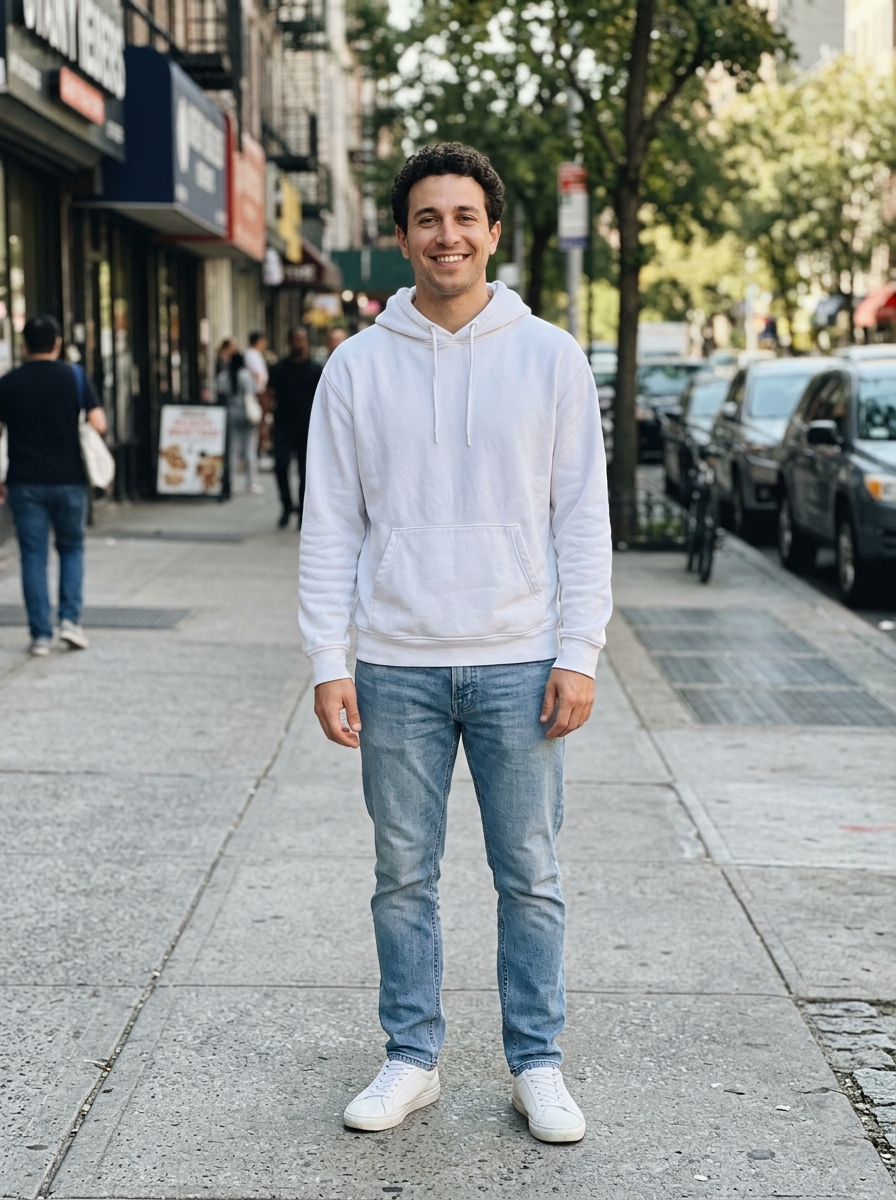
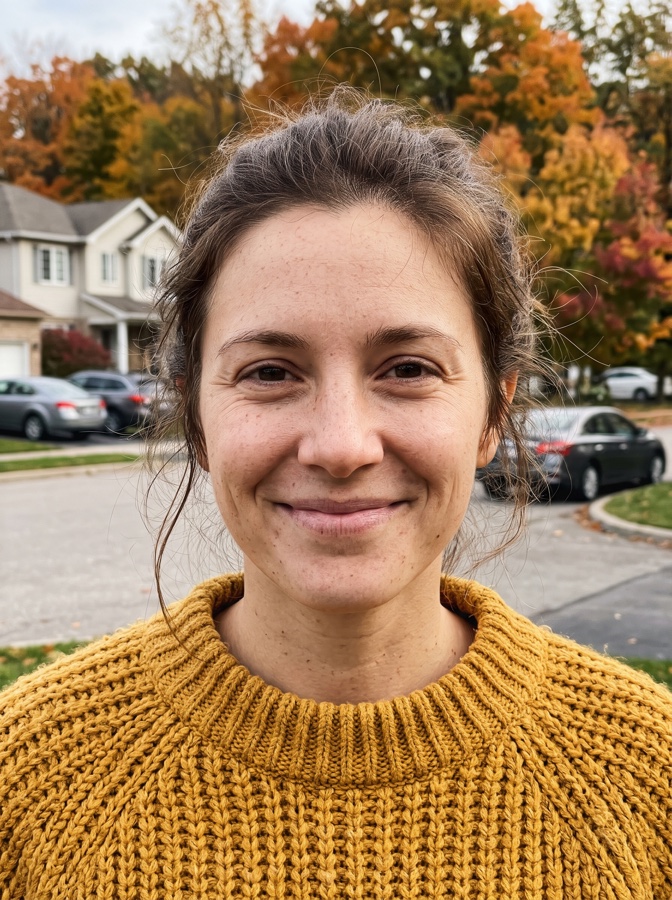
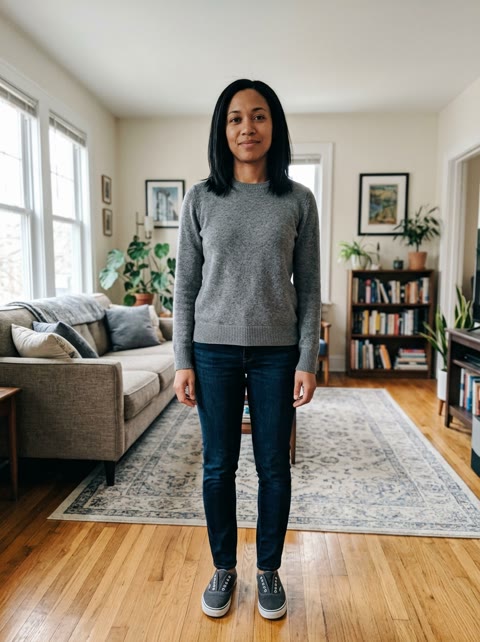
- One adult per photo, face to the camera. The whole face visible, no sunglasses, masks or heavy filters.
- Put the big personality on lead. The lead singer gets the close-up, the long note, the laugh and the wave; the other seats are on screen for a few seconds each.
- Plain, even light. A normal, evenly lit selfie reads better at the warm, busy desk than a dark or heavily edited one.
- Big enough. Use the original photo, not a tiny thumbnail; very small photos (under 300 pixels wide) are refused.
The full walk-through is in How to Make a Tiny Desk AI Video.
Before you pay: consent and photos
Only use photos of adults who agreed to be in the video, and label the post as AI-generated when you share it. On Tiny Desk AI the photos are used only to make your video, never to train models, and are deleted after 30 days. None of these tools is official: Tiny Desk AI is not affiliated with NPR, Tiny Desk Concerts, Charlie Wilson or The Gap Band.